A one-cable setup hid a network bottleneck
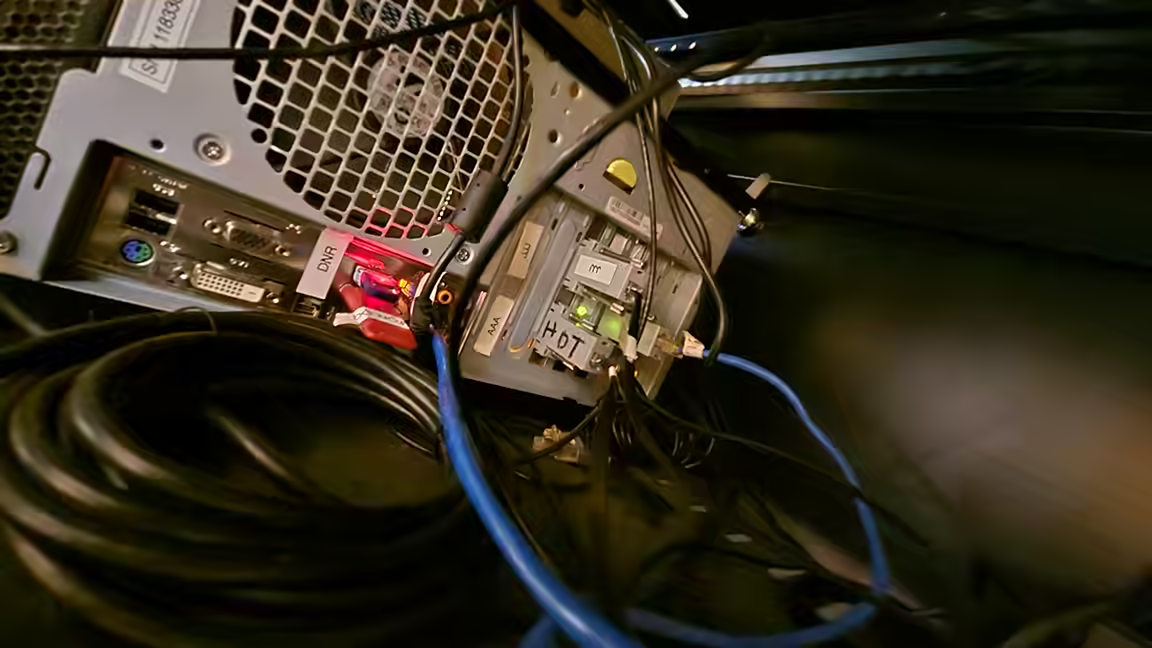
A developer investigating an unexpectedly slow fibre connection found that the problem was neither the internet provider nor the Ethernet cable, but a bottleneck inside a one-cable desktop setup. The connection delivered about 2.4Gbps upstream while downloads stalled near 600Mbps whenever a 2.5Gbps USB Ethernet adapter was connected through a Studio Display XDR. Connecting the same adapter directly to the Mac restored roughly 2.2Gbps downloads and 2.3Gbps uploads.
The comparison narrowed the fault to the path through the display. Local tests also showed packet loss during downloads through the monitor, while Wi-Fi did not exhibit the same behaviour. MacOS logs recorded no dropped frames, suggesting packets were being discarded before they reached the computer's networking stack.
Small USB bursts met a shallow buffer
The adapter used a Realtek RTL8156B controller and Apple's generic USB networking driver. Installing Realtek's own driver improved downloads to about 1.1Gbps, but did not restore the full line rate. Enabling Ethernet flow control on the network pushed throughput to around 2Gbps by allowing the receiving device to ask the sender to pause. That workaround, however, could introduce latency elsewhere on the network.
Further testing with fixed-rate UDP traffic identified a ceiling near 168,000 frames per second when traffic passed through the display. The developer attributed the limit to the adapter transferring only four 1KB packets before waiting for another USB go-ahead. With hub latency added to the time needed for each small burst, data left the adapter more slowly than it arrived from the 2.5Gbps network. Its buffer then filled, packets were dropped, and retransmission backoff reduced effective download speed.
The asymmetry explains why uploads remained fast: the constrained receive buffer mattered most when network traffic was entering the adapter faster than USB could drain it toward the Mac. Storage attached through the same display did not show the problem because its controller used larger bursts.
A replacement 5Gbps adapter based on the RTL8157 sent larger eight-packet bursts over a faster USB link, raising the calculated transfer ceiling enough to avoid the overflow. The case is a reminder that advertised port speed alone does not determine end-to-end performance. USB transaction size, hub latency, driver behaviour and buffering can combine to limit a network adapter even when each component nominally supports the required bandwidth. For users troubleshooting similar asymmetric speeds, direct connection tests and local throughput measurements can isolate the dock or display before an ISP or router is blamed.